
Projector.Com C705/C95/C85/C105 SVGA/XGA Projector User Manual

This manual is a user manual for the C105 XGA/C95 XGA/C85 SVGA projector, mainly introducing the use methods and functional settings of the projector
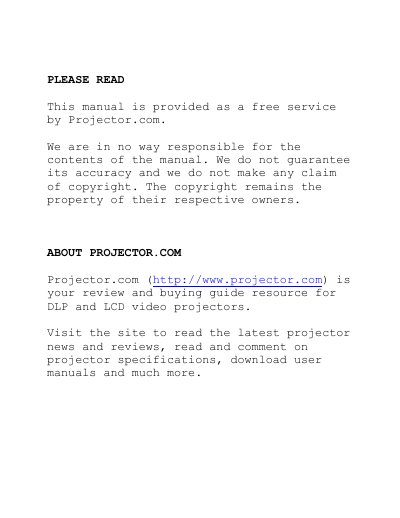

Projector.Com C705/C95/C85/C105 SVGA/XGA Projector User Manual - cover page
Brand
问比邻
Category
Projector
Document type
User Manual
Language
English
Pages
33
File format
PDF
File size
2.6 MB
Published
02 August, 2012
Updated
30 September, 2023
MD5 checksum
B8AB7735D9B8C4C0F0AC593FAFA15125

About this manual

This user manual covers the installation and setup procedures for Projector.Com LCD projectors, including connecting analog and digital video sources, audio, and mouse control. It details the supplied materials such as VGA cables, DVI cables, and remote controls.

What's inside

  • Supplied Material
  • Setting Up Procedure
  • Start - Stop
  • Image Adjustments
  • Remote Control & Keyboard
  • Menu Adjustments
  • Troubleshooting
  • Technical Data
  • Service Information
  • Maintenance

Frequently asked questions

What is required to use the remote control?

You must install batteries and switch the remote control to the ON position to operate it.

Download PDF (2.6 MB)

More 问比邻 Manuals


View all 问比邻 manuals →