
Impact 400 SVGA LCD Panel User Guide

This manual is provided as a free service by Projector.com. It introduces the user guide for the Impact 400 LCD panel, including setting up, using, features, and maintenance.
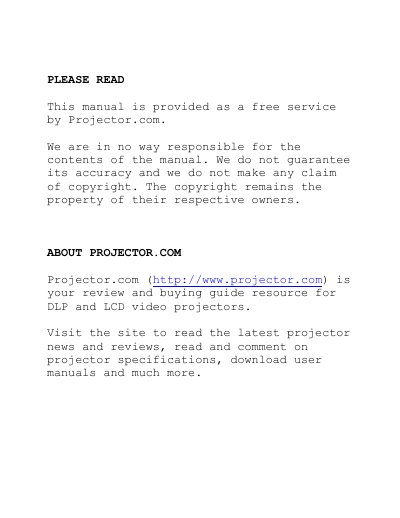

Impact 400 SVGA LCD Panel User Guide - cover page
Brand
问比邻
Category
Projector
Document type
User Manual
Language
English
Pages
34
File format
PDF
File size
723 KB
Published
02 August, 2012
Updated
29 September, 2023
MD5 checksum
6CFC2C3EBE9026C7436D8A9FE5D4FA90

About this manual

The document is a user guide for the Impact 400, an SVGA (800x600) TFT-panel LCD projection device. It details the main features such as support for resolutions up to 1024x768 and includes BatMouse technology. The manual covers setup procedures for computers and RGB video sources.

What's inside

  • Introduction
  • Main Features
  • Supplied Material
  • Setting Up the LCD Panel
  • Using the LCD Panel
  • Maintenance
  • Technical Data

Frequently asked questions

What is the maximum resolution the LCD panel can display?

The device can display resolutions up to 1024x768.

What is the length of the included cable?

The supplied cable is 4 meters long.

What voltage does the power supply require?

The power supply operates on 5,12,5V.

Download PDF (723 KB)

More 问比邻 Manuals


View all 问比邻 manuals →