
DA50 Non-Contact Current Detector User's Guide, introduces the product's safety use methods and product specifications
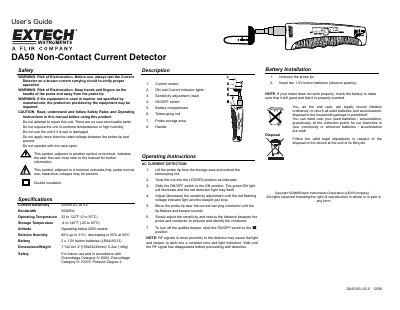
The Extech DA50 is a non-contact current detector designed to identify AC currents in conductors without direct contact. The device features a telescoping probe tip, sensitivity adjustment, an ON/OFF switch with indicator lights, and an audible beeper for detection confirmation.
Before use, users must install two 1.5V button batteries (LR44/AG13) and verify proper operation by testing on a known current-carrying circuit. The manual details the step-by-step process to adjust sensitivity to pinpoint conductors while warning against RF interference that may cause false readings.
| Current Sensitivity | 200mA AC at 0.2" |
|---|---|
| Bandwidth | 50/60Hz |
| Operating Temperature | 32 to 122°F (0 to 50°C) |
| Battery Type | 2x 1.5V button batteries (LR44/AG13) |
| Dimensions | 7.7x2.4x1 .2"(195x62x30mm) |
| Weight | 5.20z (148g) |
Adjust the sensitivity adjustment until the red flashing voltage indicator light and the beeper just stop.
Wait until the RF signal has disappeared before proceeding with detection.