
This document provides safety instructions for using a television, including avoiding the risks of electric shock and fire, as well as important guidelines related to installation and maintenance.
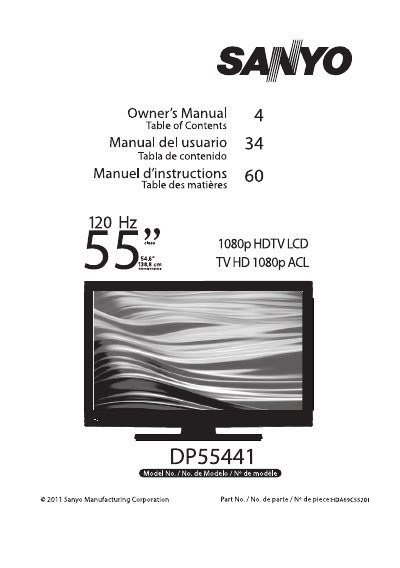
The Sanyo DP55441 is a 55-inch LCD High Definition Television. This document serves as the official user guide, covering safety precautions, stand installation, and wall mounting options using VESA standards.
The manual details how to get started with the device, including connecting antennas for off-air signals or cable inputs, setting up power connections, and performing an initial channel scan. It also explains remote control operation and navigating the on-screen menu system.
| Screen Size (Diagonal) | 54.6 inches |
|---|---|
| VESA Mounting Interface | 200 x 400mm |
The remote control requires AAA size batteries.
Yes, it can be secured to a wall mounting kit using the threaded inserts on the back.