
This document contains an instruction manual for a television product, including safety precautions and instructions for use.
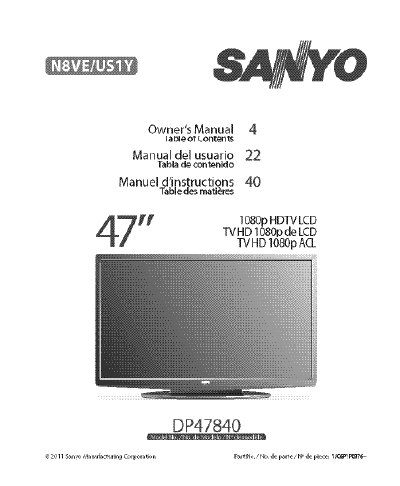
The document serves as an owner's manual for the Sanyo DP47840 High Definition Television. It covers essential safety precautions regarding electrical shock and fire hazards, FCC compliance information, and specific handling instructions to protect the LCD screen from damage.
The guide details installation procedures including stand removal and assembly, wall mounting using a VESA 400x400 interface, and connecting antennas or cable services. It also explains how to install remote control batteries, perform initial channel searches, and navigate the on-screen menu for picture, sound, and setup adjustments.
| Power Requirement | AC 120V, 60Hz |
|---|---|
| VESA Mounting Standard | 400 x 400 |
The remote control requires two (2) "AAA" batteries.
Yes, it can be wall mounted using a kit with M6 screws of maximum 12mm length.