
CE42LH2R CE42LH2DPB CE42LH2WP LCD Monitor instruction manual, introduces safety precautions, servicing, installation, remote control, controls and menus.
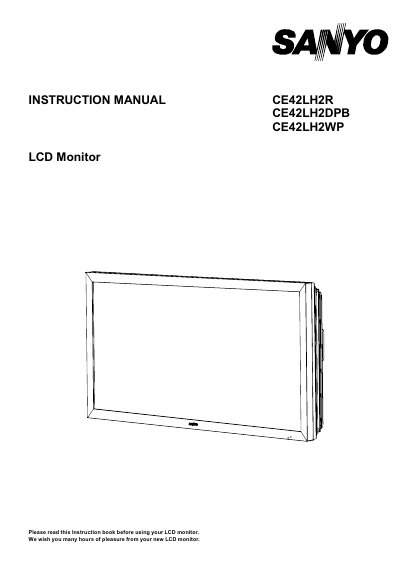
This instruction manual covers three specific models of Sanyo LCD monitors: the robust CE42LH2R/CE42LH2DPB designed for dusty or oily environments like digital signage, and the weather-resistant CE42LH2WP rated IP66. The document provides detailed guidance on safety precautions, installation steps including mains connection and remote control setup, and menu operations.
| Weather Resistance Standard | IP66 standard rating |
|---|---|
| Operating Temperature Range (CE42LH2WP) | 0°C ~ 40°C / 32°F ~ 104°F |
| Minimum Wall Distance | 55cm away from the wall |
No, you must not remove the rear cover as it contains high voltages and could endanger people.
Servicing should be referred if the power cord is damaged, liquid has been spilled, the cabinet is damaged, performance changes, it does not operate normally, or it was exposed to rain.