
LCD Projector with Image Manager Feature User Guide

This is an LCD projector user manual, which introduces the features and use of the projector
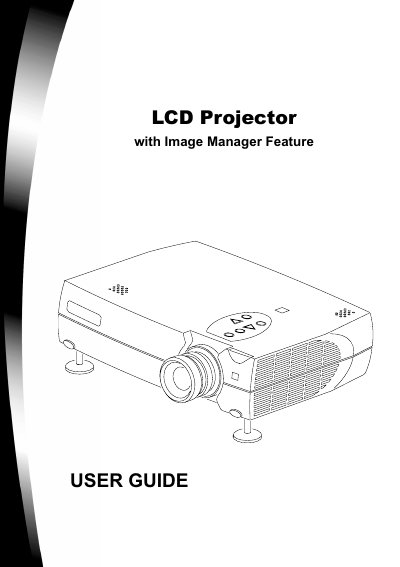

LCD Projector with Image Manager Feature User Guide - cover page
Brand
LCD
Category
Projector
Document type
User Manual
Language
English
Pages
30
File format
PDF
File size
1.3 MB
Published
12 July, 2012
Updated
30 September, 2023
MD5 checksum
1E446C00ED5A3CC493D66BD77AB63137

About this manual

This user guide describes the operation and maintenance of an LCD Digital Projector equipped with an Image Manager feature. It explains how to connect various image sources such as computers, VCRs, and digital cameras, and how to use the remote control and keypad to start presentations and adjust settings. The guide also details the projector's features, including the focus and zoom rings, and Kensington lock compatibility.

What's inside

  • Introduction
  • Projector Features
  • Connecting the Projector
  • Starting the Presentation
  • Using the Remote Control and Keypad
  • Using Image Manager
  • Adjusting the Display and Volume
  • Maintenance
  • Changing the Lamp Module
  • Specifications

Frequently asked questions

What is the Image Manager feature?

It allows you to select the image display setting best suited for your specific presentation material and projection environment.

How do I reset the lamp hours?

The guide lists 'To reset lamp hours' as a section, but does not provide the specific steps in the provided text.

Download PDF (1.3 MB)

More LCD Manuals


View all LCD manuals →