
Pioneer PDP-607CMX/PDP-507CMX/PDP-427CMX Plasma Display Operating Instructions

This is a user manual for PDP-607CMX, PDP-507CMX, PDP-427CMX.
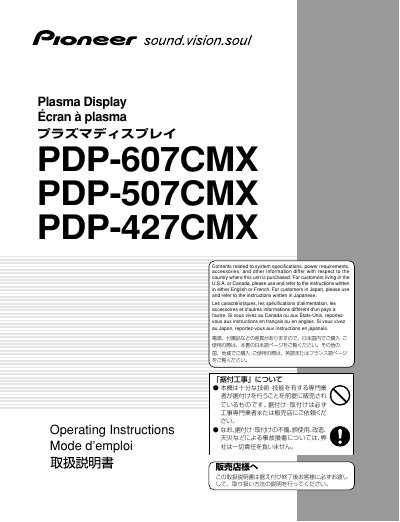

Pioneer PDP-607CMX/PDP-507CMX/PDP-427CMX Plasma Display Operating Instructions - cover page
Brand
Pioneer
Category
Monitor
Document type
User Manual
Language
English
Pages
164
File format
PDF
File size
10.8 MB
Published
11 July, 2012
Updated
30 September, 2023
MD5 checksum
C8AAA45F5A4F3BC3C4E892C64E9B3548

About this manual

This manual provides operating instructions for the Pioneer Plasma Display models PDP-607CMX, PDP-507CMX, and PDP-427CMX. It is designed to assist users in properly installing, connecting, and operating these computer display monitors. The document includes safety precautions, feature descriptions, connection procedures, and system settings.

What's inside

  • Safety Precautions
  • Features
  • Part Names and Functions
  • Installation of the unit
  • Connection to a personal computer
  • System Settings
  • Operation
  • PICTURE/SCREEN Adjustment
  • Other Operations
  • Specifications

Frequently asked questions

What is the intended use of this unit?

This unit has been designed for use as a computer display monitor.

Is a video card required to view other video signals?

Yes, the optional video card is required if you wish to view other video signals on the monitor.

Who should install this product?

Installation should be performed by qualified personnel with enough skill and competence, such as an installation specialist or dealer.

Download PDF (10.8 MB)

More Pioneer Manuals


View all Pioneer manuals →