
Pioneer PDP-42A3HD/PDP-4214HD Plasma Display Operating Instructions

This manual describes the operation of the PDP-42A3HD/PDP-4214HD
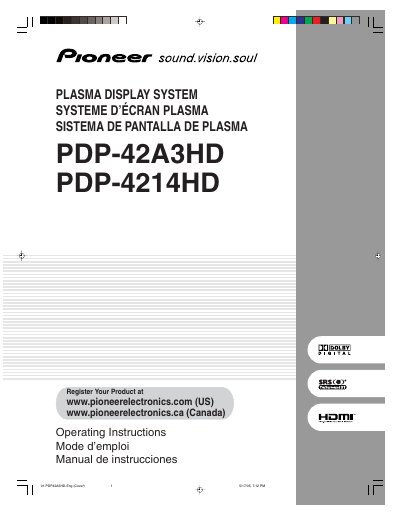

Pioneer PDP-42A3HD/PDP-4214HD Plasma Display Operating Instructions - cover page
Brand
Pioneer
Category
Television
Document type
User Manual
Language
English
Pages
134
File format
PDF
File size
4.7 MB
Published
11 July, 2012
Updated
01 October, 2023
MD5 checksum
A1A402AD33385AC350F67133DD7E94D7

About this manual

This manual provides operating instructions for the Pioneer PDP-42A3HD and PDP-4214HD plasma display systems. It includes safety precautions, installation guidance, and basic operations such as turning the power on and off, watching TV channels, and adjusting volume. The document also details how to set up the remote control unit and connect various cables for digital and conventional TV channels.

What's inside

  • Important User Guidance Information
  • Safety Precautions
  • Supplied Accessories
  • Part Names
  • Preparation
  • Basic Operations
  • Menu Setup
  • Tuner Setup
  • Adjustments and Settings
  • Enjoying through External Equipment

Frequently asked questions

What is the product and what is it for?

This is a Pioneer Plasma Display System designed for viewing TV channels.

What safety warning is associated with the power cord?

The power cord contains lead, which can cause cancer and birth defects or other reproductive harm.

Where is the serial number located?

The serial number for this equipment is located on the rear panel.

Download PDF (4.7 MB)

More Pioneer Manuals


View all Pioneer manuals →