
This file is the user manual for the SAGEM AXIUM ™ Home Cinema Screen. It mainly introduces precautions, safety guidelines, electrical circuit specifications, etc. for the use of this product.
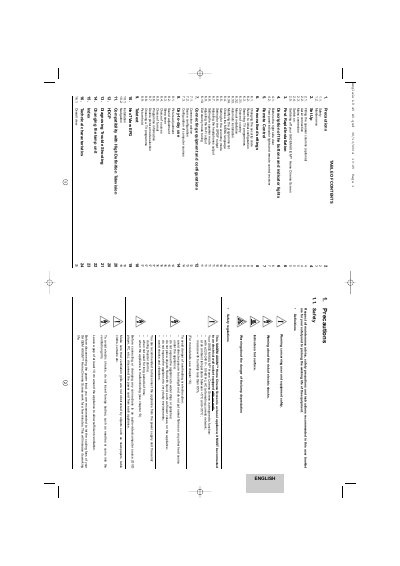
The document serves as a comprehensive guide for the SAGEM AXIUM Home Cinema Screen. It covers safety precautions, initial setup including language selection and country configuration, and rapid installation procedures for channel scanning.
Detailed sections explain how to connect various audio-video sources such as DVD players and computers, adjust picture and sound settings, utilize features like Teletext and EPG, and perform maintenance tasks like changing the lamp unit.
| Voltage | 220-240 V~, 50-60 Hz |
|---|---|
| Ambient temperature range | +5°C and +35°C |
| Maximum humidity | less than 85% |
The appliance is designed to function at an ambient temperature between +5°C and +35°C.
You must insert two R6-1.5V type batteries into the battery compartment.
You must wait at least one hour before starting to change the lamp unit.