
This document provides instructions for using the SAGEM MF 5461 / MF 5481 multifunction device, including color and black and white scanning, black and white faxing, printing, and copying. The device is equipped with a 600dpi scanner and a black and white laser printer with a printing speed of 16 pages per minute.
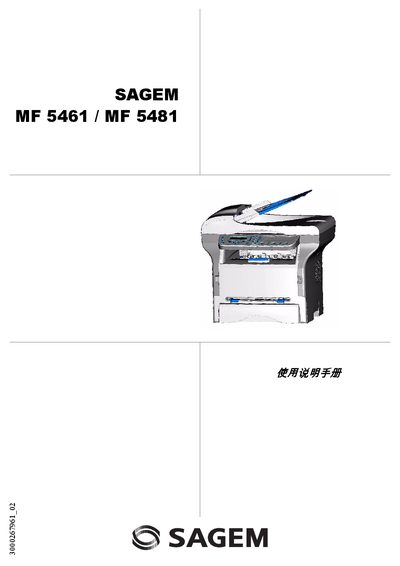
The Sagem MF 5461 / MF 5481 is a multifunction terminal that can print, copy, scan, and fax in both black‑white and colour. The manual provides safety instructions, installation steps, detailed operating procedures, and maintenance guidelines.
It also lists technical specifications, consumable information, and troubleshooting codes for common errors such as paper jams, fax failures, and scanner issues. This manual is written in Chinese.
| Dimensions | 412 x 447 x 386 mm |
|---|---|
| Weight | 13 kg |
| Power supply | Single‑phase 220‑240 V, 50/60 Hz, 4.5 A |
| Power consumption (normal mode) | 12 W |
| Print resolution | 600 dpi |
| Scan resolution (interpolated) | 2400 dpi |
| Main paper tray capacity | Up to 250 sheets (60 g/m²) or 200 sheets (80 g/m²) |
It requires a single‑phase 220‑240 V supply at 50/60 Hz and draws 4.5 A.
The main tray can hold up to 250 sheets of 60 g/m² paper or 200 sheets of 80 g/m² paper.