
This is a user manual for the SAGEM AXIUMTM ECRAN PLAT DLPTM display screen
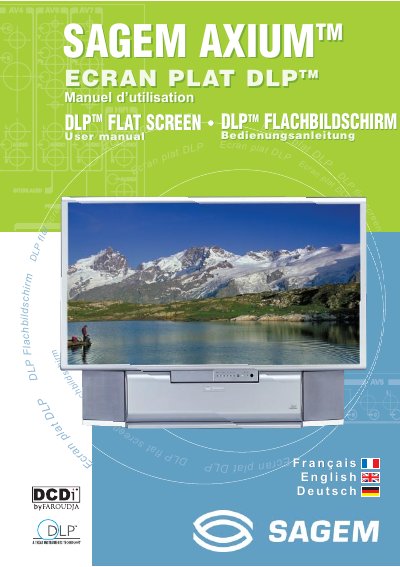
This document is the user manual for the SAGEM AXIUM DLP flat screen television. It provides instructions for the initial setup, including antenna and power connections, as well as the first rapid installation procedure. The manual covers the operation of the front panel controls and remote receiver, along with personalized settings such as changing the protection code and searching for programs.
| Voltage | 220-240 V, 50 Hz, AC |
|---|---|
| Operating Temperature | +5°C to +35°C |
| Humidity | below 85% |
| Battery Type | R6-1,5 V |
You must disconnect the power cord and wait at least one hour before starting the replacement to avoid burns or explosion.
The remote control requires two R6-1,5 V batteries, which are not rechargeable.