
SANYO PLC-XW200/PLC-XW250/PLC-XW200K/PLC-XW250K Multimedia Projector user manual

This document describes the features and design of the PLC-XW200, PLC-XW250, PLC-XW200K, and PLC-XW250K multimedia projectors. The projectors are compact in design, have simple computer system settings, useful functions for presentations, lamp control, quick termination, and logo function.
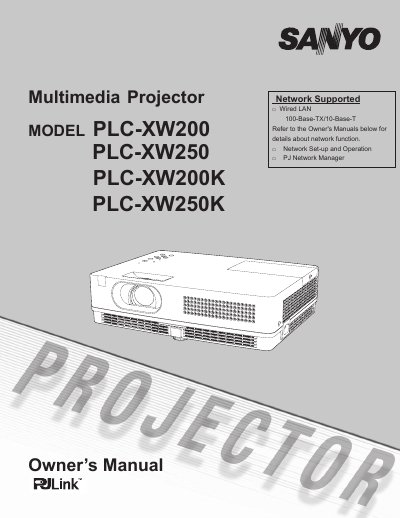

SANYO PLC-XW200/PLC-XW250/PLC-XW200K/PLC-XW250K Multimedia Projector user manual - cover page
Brand
Sanyo
Category
Projector
Document type
User Manual
Language
English
Pages
77
File format
PDF
File size
9.7 MB
Published
10 July, 2012
Updated
28 September, 2023
MD5 checksum
0CE54826F063F6197A1B6BE3B82946B1

About this manual

This manual provides instructions for the Sanyo Multimedia Projector models PLC-XW200, PLC-XW250, PLC-XW200K, and PLC-XW250K. It details features such as the Mult-scan System, Auto Setup, and network capabilities, along with safety precautions and installation guidelines.

What's inside

  • Features and Design
  • Safety Instructions
  • Installing the Projector
  • Connecting to a Computer
  • Basic Operation
  • Image Adjustment
  • Maintenance and Cleaning
  • Troubleshooting
  • Technical Specifications
  • Optional Parts

Specifications

ResolutionUp to UXGA resolution
Colors16.77 million colors
Menu Languages18 languages

Frequently asked questions

What is the maximum resolution this projector can accept?

The projector can accept up to UXGA resolution.

How many languages are available for the operation menu?

The operation menu is available in 18 languages including English, German, and French.

Download PDF (9.7 MB)

More Sanyo Manuals


View all Sanyo manuals →