
This manual provides upgrade information on the APRILIA SXV 450-550 Replica VAN DEN BOSCH MY 08 vehicle, mainly including technical data, vehicle start-up, front brake, electronic transmission, starting device, chain tensioner, front fork, rear shock absorber, saddle support, chassis and STM clutch.
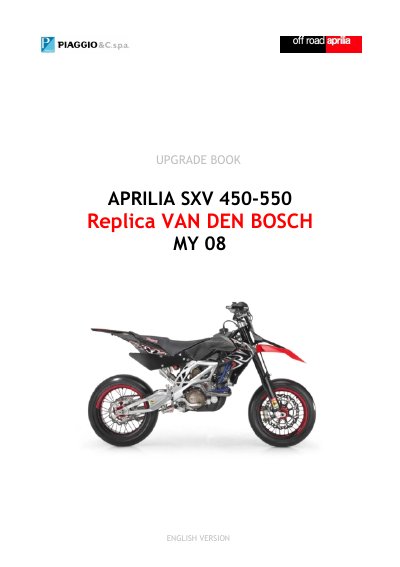
The document serves as a user guide for the Aprilia SXV 450/550 Van Den Bosch Replica motorcycle. It details specific procedures for vehicle start-up using an external battery, remote adjustment of the front brake lever, and changing ECU mapping between HARD and SOFT modes.
Key sections include instructions for activating or deactivating the electronic transmission system, fitting and using the starting device (fork lock), and managing asymmetric chain tensioner pads. The manual also provides technical data on the Marzocchi Shiver front fork and Sachs racing rear shock absorber.
| Front Fork Type | Marzocchi Shiver 50 |
|---|---|
| Front Fork Travel | 267 mm |
| Rear Shock Absorber Type | Mono Sachs racing |
| Rear Shock Travel | 120 mm |
It is necessary to use the external battery that comes with as an accessory. Connect the key jack on the handlebar, start the engine, then disconnect the external battery and reconnect the installed battery.
Push the button on the left side of the handlebar to choose between HARD and SOFT modes. This can be done while the vehicle is in motion.
Push the button on the right side of the handlebar. Press once for Device OFF and press again for Device ON.