
This manual describes how to use the 3430 density meter. The meter can measure the density, moisture content, and depth of concrete.
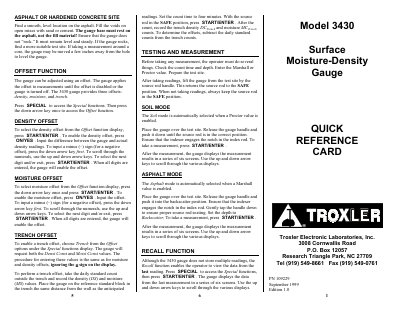
The Troxler 3430 Surface Moisture-Density Gauge is designed for measuring density and moisture in construction materials such as soil, asphalt, and concrete. The device operates in two primary modes: Soil mode for Proctor values and Asphalt mode for Marshall values. Users must prepare the test site carefully, ensuring the gauge rests on a smooth, level surface without rocking. Safety precautions, including wearing a dosimeter or radiation badge and safety glasses, are emphasized during operation.
| Product Name | Surface Moisture-Density Gauge |
|---|---|
| Compatible Materials | soils, asphalt, concrete |
| Storage Capacity | one Marshall and one Proctor value |
| Manufacturer | Troxler Electronic Laboratories, Inc. |
| Document Date | September 1999 |
The operator should wear a dosimeter or radiation badge when working with the gauge.
Select the Soil mode by entering or activating a Proctor value.
Select the Asphalt mode by entering or activating a Marshall value.
A standard count should be taken daily to compensate for source decay and check proper operation.