
This manual describes how to use the Ritchie Thickness Gauge for measurement. This includes how to measure layer thickness, average measurement values, and store measurement values.
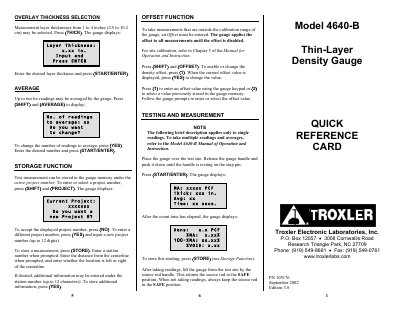
This document serves as a Quick Reference Card for the Troxler 4640-B Thin-Layer Density Gauge. It provides brief instructions for selecting measurement layer thicknesses, managing offset functions, and storing test measurements under active project numbers. The guide also outlines the procedure for taking standard counts to compensate for source decay and check proper operation.
| Maximum readings to average | twelve |
|---|---|
| Project number capacity | up to 12 digits |
| Station number capacity | up to 12 digits |
| Additional information capacity | up to 12 characters |
Press (THICK), enter the desired layer thickness, and press (START/ENTER).
Press (SHIFT) and (OFFSET), then press (1) to enable or change the density offset.
Press (STORE), enter a station number, distance from centerline, and location relative to the centerline.
The operator should wear a dosimeter or radiation badge when working with the gauge.