
This document is an installation guide, guiding the installation of CT30 thermostats, and introduces the functions and usage of thermostats.
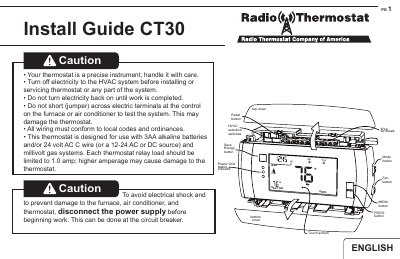
This guide provides instructions for installing the Carrier CT30 Radio Thermostat. It details safety precautions, such as turning off HVAC power, and specifies location requirements, including mounting height and avoiding direct sunlight or drafts. The document explains how to remove the old unit, label wires, and prepare the new installation site.
| Power Source | 3AA alkaline batteries and/or 24 volt AC C wire |
|---|---|
| External Power Range | 12V to 24V AC or DC |
| Max Relay Load | 1.0 amp |
| Wire Gauge | 16-22awg |
| Mounting Height | about 5 ft. (1.5m) above the floor |
Mount the thermostat on an inside wall about 5 ft. (1.5m) above the floor.
Yes, it can be externally powered with a source rated from 12V to 24V, AC or DC.
Replace them at least once a year, or immediately when the 'Low Batt' indicator flashes.