
XT-XM1 is a satellite radio receiver produced by Sony. You need to subscribe to the XM Satellite Radio Service to listen to the radio broadcast.
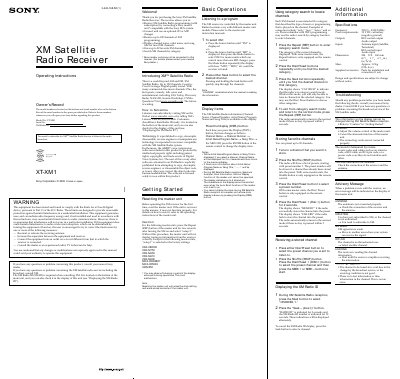
This manual provides step-by-step instructions for operating the Sony XT-XM1 XM Satellite Radio Receiver. It covers how to subscribe to XM service, reset the master unit, use category search, store favorite channels, and display the XM Radio ID. It also includes basic operations for listening to programs and troubleshooting common issues like no sound or weak signal.
The receiver requires a compatible Sony master unit and a subscription to XM Satellite Radio to function. It supports up to 100 channels, displays channel and song information, and allows storing up to 20 favorite channels. Technical specifications include frequency range, power requirements, and physical dimensions.
| Frequency | 2332.5 – 2345.0 MHz |
|---|---|
| Power Requirements | 12 V DC car battery (negative ground) |
| Dimensions | 224 × 37.8 × 160 mm (8 7/8 × 1 1/2 × 6 3/8 in.) (w/h/d) |
| Mass | Approx. 1.0 kg (2 lb. 4 oz.) |
Listeners can subscribe by visiting XM on the Web at www.xmradio.com or by calling XM’s Listener Care at (800)852-9696. Customers should have their Radio ID ready.
The XM Radio ID is required when consulting XM. It is located on the bottom of the main unit and can also be checked in the display of the unit.
Adjust the volume control of the master unit, cancel the attenuate function, or check if the connecting cords are properly connected.