
This document is an instruction manual for the XACT Visor Sirius Satellite Radio Receiver. The manual provides information on how to activate the device and provides the latest news and questions regarding Sirius Satellite Radio service. The manual also includes technical specifications of the equipment and instructions for installation and use.
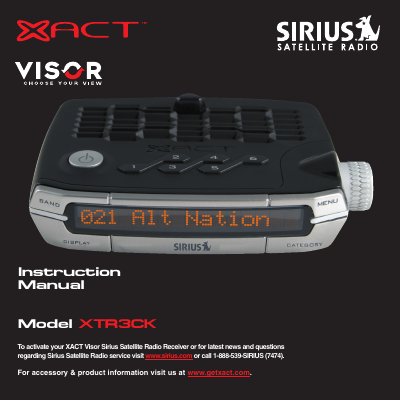
This document is the user instruction manual for the XACT XTR3CK Visor Sirius Satellite Radio Receiver. It provides guidance on activating the device via Sirius Satellite Radio service and details compliance with FCC regulations regarding radio frequency interference. The manual includes safety precautions and specific instructions for mounting the receiver in a vehicle or at home.
The device's identification number is a 12-digit Sirius ID Number (ESN).
The wireless remote control requires a CR2025 battery.
You must use only the 12v Vehicle Adapter provided with the kit.