
This document provides instructions on how to activate the XACT Sirius Satellite Radio Receiver and offers the latest news and FAQs regarding the Sirius Satellite Radio service. It also includes guidelines and precautions for pausing, rewinding, and replaying live satellite radio.
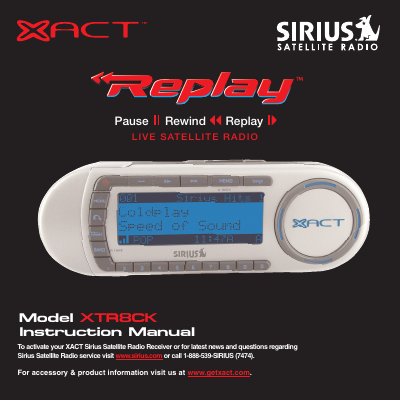
This manual provides instructions for the XACT XTR8CK Sirius Satellite Radio Receiver, a plug-and-play device designed for mounting in vehicles or indoor/outdoor locations. It details the package contents, component identification, and safety precautions required for safe installation and operation.
The package includes the receiver, a wireless remote control with a CR2025 battery, mounting brackets for windshield or dashboard use, an antenna, a 12v vehicle adapter, and the user's guide.
You can activate your receiver by logging on to www.sirius.com or by calling 1-888-539-SIRIUS (7474).
Turn the power off immediately and contact your dealer.