
This document provides instructions on how to activate the XTR1 Satellite Radio Receiver and includes the latest news and FAQs about SIRIUS® Satellite Radio service. The document also covers testing and compliance requirements for the equipment.
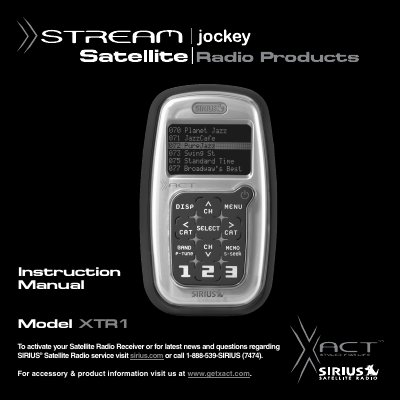
The Xact XTR1 is a plug-and-play satellite radio receiver designed to be mounted in a vehicle or used in an indoor/outdoor location. It requires activation via SIRIUS Satellite Radio service before use and must be paired with specific Xact mounting kits (such as the Vehicle Kit, Home Kit, or Boombox) depending on the installation environment.
The device features a wireless remote control for operation from a distance and includes various functions such as category browsing, music searching by artist or song, preset management, and FM transmitter capabilities. The manual covers safety precautions, component identification, step-by-step activation procedures, menu settings, and troubleshooting common issues like signal acquisition or audio problems.
| Product Type | Satellite Radio Receiver |
|---|---|
| Warranty Period | One Year |
You can activate your Satellite Radio Receiver by logging on to sirius.com or calling 1-888-539-SIRIUS (7474).
The receiver must be used with an Xact Kit, such as the Universal kit, Home kit, or Boombox.
Check the audio cables to ensure they are plugged in correctly and verify that your FM radio is set to the correct channel.