
This document is a Shuttle User Guide, introducing the features and characteristics of Sirius Satellite Radio. Sirius will revolutionize home or vehicle entertainment with 100 streams of original programming, including 60 streams of completely commercial-free music and 40 streams of news, sports, and entertainment. The music content is selected and developed by Sirius' team of Master Music Programmers, and world-class partners such as ESPN, ABC, CNBC, Bloomberg, Discovery, and Radio Disney are developing news, sports, and entertainment programming. Users need to use an adapter kit, such as the Audiovox Home kit or Vehicle Kit, which can be purchased at retailers where Audiovox main units are sold.
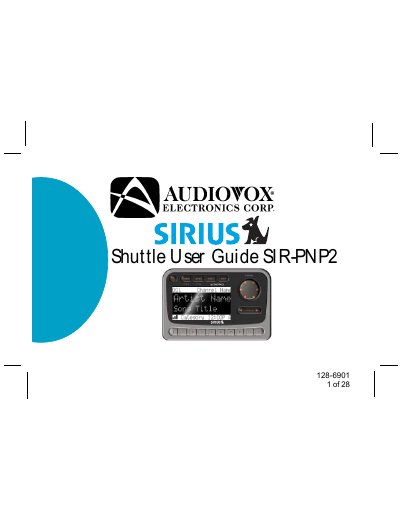
The Audiovox SIR-PNP2 Shuttle is a receiver designed to process satellite signals from the Sirius Satellite Radio system. It requires an external antenna and an adapter kit (Home or Vehicle Kit) for installation. The unit decodes incoming program information and provides an audio signal to a connected radio or audio system.
The unit allows you to store up to 20 Artist/Song Title combinations.
The unit contains three banks of preset memory locations offering a total of 30 presets.
A momentary press of the power button turns off the receiver.