
This manual introduces the features and characteristics of the 31.5-inch LCD TV with DVD player, including product functions, front panel buttons, rear panel interfaces, remote control operation, and system connections.
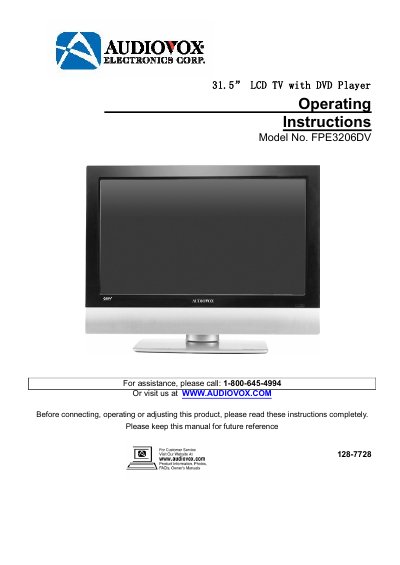
This manual provides operating instructions for the Audiovox FPE3206DV, a 31.5-inch LCD TV system that includes a built-in DVD player. The device features a movable disc tray, high-resolution display, and support for multiple input sources including HDMI, VGA, and composite video. It also includes USB and card ports for media playback.
| Screen Size | 31.5" |
|---|---|
| Speaker Power | 2x10w |
| Resolution | more than 500 lines |
| Disc Tray | Movable |
Press the SOURCE button to enter the source-selecting menu and use the A/W buttons to select the desired mode.
The player supports DVD, CD, CD-R, CD-RW, and JPEG discs.
The power indicator is located on the front panel and turns red in standby mode or blue during operation.