
Audiovox XR9 Satellite Radio Receiver User Guide

This manual introduces the functions and usage of XM satellite radio XR9.
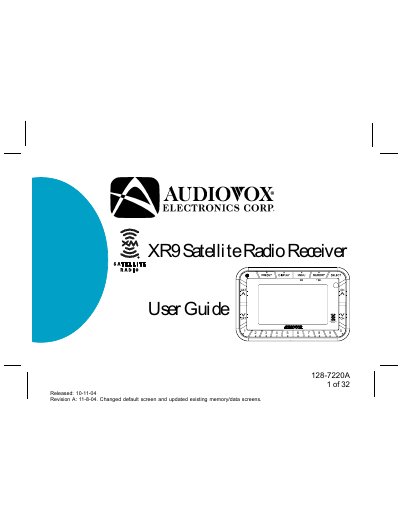

Audiovox XR9 Satellite Radio Receiver User Guide - cover page
Brand
Audiovox
Category
Other Electronics
Document type
User Manual
Language
English
Pages
32
File format
PDF
File size
806 KB
Published
06 July, 2012
Updated
01 October, 2023
MD5 checksum
AB302D06FA728D3B3A868BEF7978772B

About this manual

This manual provides instructions for the Audiovox XR9 satellite radio receiver, including system components and basic operation. It details how to activate the XM service, use the remote control, and navigate the receiver's features.

What's inside

  • Cautions and Warnings
  • XR9 System Components
  • Enjoying Your XM XR9
  • XM XR9 Controls
  • Basic Operation
  • Tuning by Category
  • Menu Display Operations
  • Antenna Aiming
  • Troubleshooting
  • Specifications

Specifications

XM ChannelsOver 130 channels
Music Channels68 channels
Sports/News/Talk ChannelsOver 60 channels
Memory Storage30 Artist/Song Title combinations
Preset Banks3 banks (A, B, C)

Frequently asked questions

How do I obtain the XM identification (ID) number?

Tune to channel 0 or press the MENU button, select the Radio ID option, and press SELECT to display the 8-digit number.

How many preset banks does the XR9 have?

The XR9 has 3 banks of channel presets, labeled A, B, and C, with 10 presets each.

Download PDF (806 KB)

More Audiovox Manuals


View all Audiovox manuals →