
This manual describes how to use the Home Signal Distribution Kit to connect satellite TV and Sirius signals to a single Sirius radio.
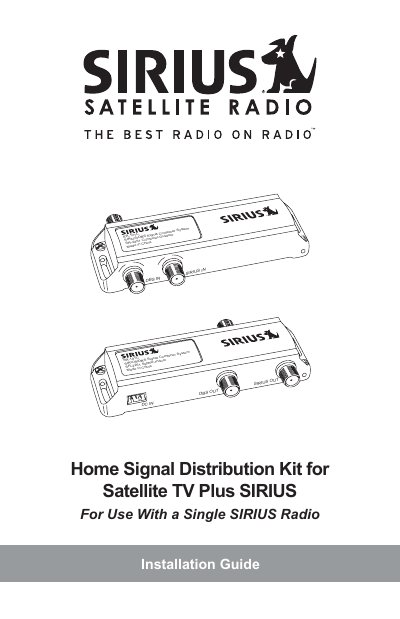
This document is an installation guide for the SIRIUS Home Signal Distribution Kit for Satellite TV Plus SIRIUS. The kit allows users to combine a satellite TV signal (from Dish Network or DIRECTV) with a SIRIUS satellite radio signal into a single RG-6 cable run from the roof to the interior of the home. The combined signal is then split to feed both the satellite TV receiver and the SIRIUS radio.
The guide details four specific installation configurations: Simple Configuration (Single LNB, No Multiswitch), Before Multiswitch Configuration, After Multiswitch Configuration (Multiswitch on Roof), and After Multiswitch Configuration (Multiswitch Inside Home). It includes instructions for assembling and mounting the outdoor antenna, identifying ports on the Combiner and Splitter, and troubleshooting common issues.
| Compatible Satellite TV Systems | Dish Network or DIRECTV |
|---|---|
| Compatible Radio System | SIRIUS |
| Included Combiner Model | SR2261 |
| Included Splitter Model | SR2251 |
| Required Tools | Phillips-type screwdriver and 3/8 in. wrench |
It allows you to combine your satellite TV signal with the SIRIUS signal into one RG-6 cable, avoiding the need for a separate cable from the SIRIUS antenna to the radio.
You need a phillips-type screwdriver and a 3/8 in. wrench for installation.
Depending upon the type of installation, a power drill with a 3/32 in. drill bit may also be required.
These devices prevent the SIRIUS signal from passing through, so the signals must be combined and split before or after them.