
This is a NETGEAR HSS101 user manual
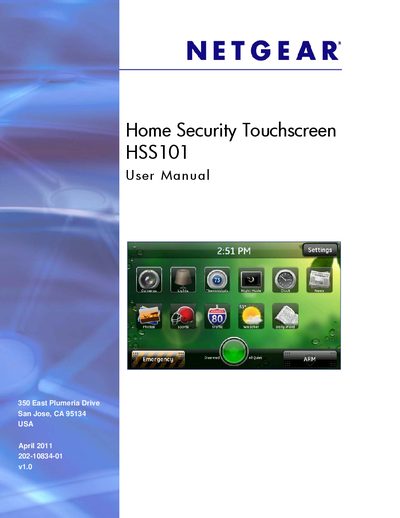
The Home Security Touchscreen HSS101 is a wall‑mounted touch‑screen panel that lets you arm, disarm, and manage your home security system. The manual explains the hardware layout, including the Home button, memory‑card slot, power adapter, and built‑in rechargeable battery.
Key functions such as adding widgets, configuring screen savers, setting access codes, and troubleshooting common issues like dark screens or Wi‑Fi problems are covered in detail, with step‑by‑step instructions and reference tables.
| IC ID | 4054A-10400150 |
|---|---|
| Power source | Rechargeable battery with AC power adapter |
| Memory card slot | Supports standard memory cards |
Plug the power supply into an AC outlet; the unit will recharge the internal battery.
Tap the Home button once to go back to the previous screen.
Press and hold the Home button for 5 seconds or more to open a dialog box where you can select reboot or shut down.
Open Settings, select Screen Saver, then choose “Add Widgets to the Screen Saver List.”