
This document is the user manual of CNP2000UCA, which introduces the installation, use, troubleshooting and other contents of the product.
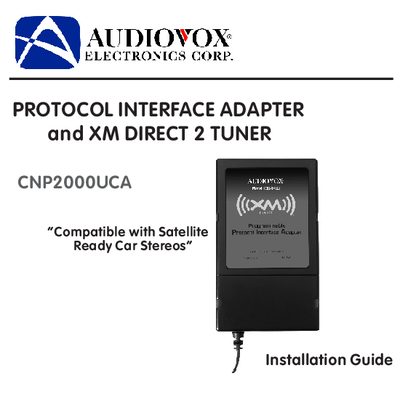
The document serves as an installation guide for the Audiovox CNP2000UCA Protocol Interface Adapter (PIA) and the XM Direct 2 Tuner. It details the necessary tools, planning steps, and specific procedures for mounting the antenna on a vehicle roof or trunk lid and routing cables to avoid damage.
| Compatible System | Satellite Ready Car Stereos |
|---|---|
| PIA Location Distance | Within 2-3 feet of the radio |
Best reception is achieved with the antenna mounted on the metal surface of the vehicle roof in the center of an area with at least 12"x12" of surface area.
No, mounting the antenna inside the vehicle passenger compartment must be avoided as it may interfere with reception.
You can activate your tuner box by tuning to XM Preview Channel 1, going online at XMradio.com, or calling 1-800-967-2346.