
This document is the Lynx user guide, which introduces the product's usage methods, functional features and other information.
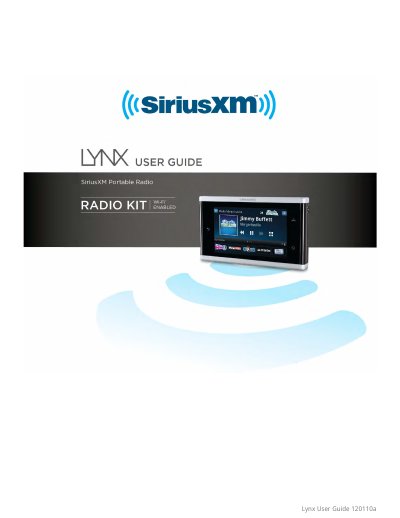
The SiriusXM Lynx is a portable media player that allows users to listen to Satellite Radio, Internet Radio, and personal music stored on an optional microSD card. The device features a touch screen interface for easy navigation through menus, channel lists, and the 'Now Playing' information. It supports various listening modes depending on whether it is docked in a vehicle or home unit or used handheld.
| Power Source (Handheld) | Battery compartment |
|---|---|
| Memory Storage | Optional microSD Card Slot |
Press the Power/Lock/Brightness button for 3 seconds to turn Lynx On or Off.
The code cannot be recovered and must be removed by resetting the device to factory defaults, which deletes all settings and favorites.