
This manual introduces how to use the SiriusXM Portable Radio 2.
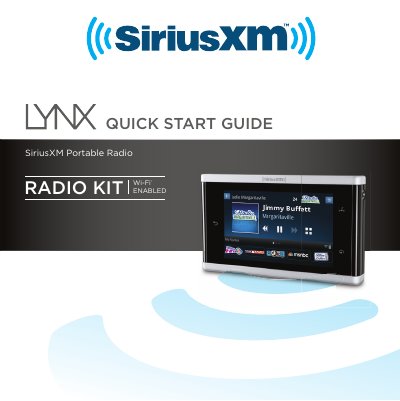
This document is a Quick Start Guide for the SiriusXM Lynx Portable Radio (Model MH29577). It provides essential instructions for setting up the device, including installing the battery, charging it via USB or docks, and subscribing to SiriusXM Satellite or Internet radio services. The guide details how to navigate the touchscreen interface, manage audio output through speakers, headphones, or Bluetooth devices, and perform basic maintenance.
| Dimensions (with battery) | 4.4 in x 2.5 in x .44 in (112 mm x 63 mm x 11 mm) |
|---|---|
| Weight | 4.8 oz (136 g) |
| Audio Connector | 1/8 in (3.5 mm) female |
| Operating Temperature | -4°F to +122°F (-20°C to +50°C) |
| Compatible Audio Codecs | AAC LC, AAC LTP, HE-AAC v1, HE-AAC v2, MP3 CBR and VBR |
Press the Power button on the top of the Lynx for 3 seconds.
Yes, you can use the USB Cable connected to any computer's USB port.
Do not drop, disassemble, crush, puncture, or dispose of it in fire or water to prevent injury.
Activation usually takes 10 to 15 minutes after completing the subscription process.