
This document describes the features and characteristics of Agilent Technologies' online shop, including registration, browsing products, and placing orders. Users can use the quick purchase feature to quickly place an order by entering the item number and quantity. Registered users can also access more features, such as checking product availability, configuring devices, and viewing order status. Additionally, users can create their own product catalogs to expedite reordering.
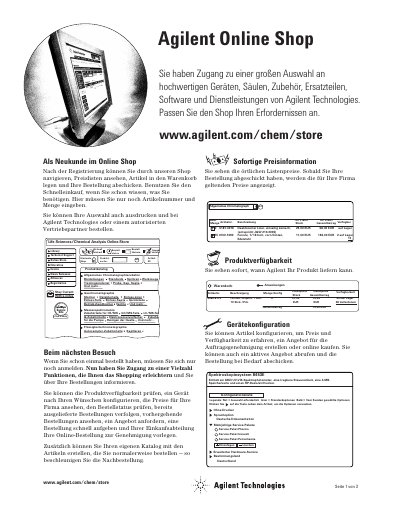
This document serves as a guide for customers using the Agilent Online Store. It explains how new and returning users can register, navigate the catalog, and manage their shopping carts. The guide covers features such as checking product availability, configuring devices, and viewing company-specific pricing. This manual is written in German.
You can use the Quick Order feature by entering the item number and quantity.
Yes, you can configure items to check price and availability or create a quote.