
Uniden One Year Limited Warranty
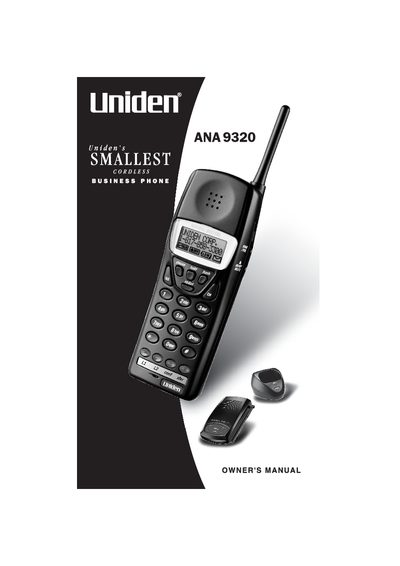
The Uniden ANA9320 is a compact cordless business telephone system designed to operate on the 902 MHz to 928 MHz frequency band. The manual covers essential safety precautions, including warnings about moisture and battery disposal for the Nickel-Metal-Hydride (Ni-MH) rechargeable batteries included with the handset.
The guide details the setup process, which involves connecting telephone lines to the base unit and attaching the belt clip to the handset. It explains how to use various features such as AutoStandby, AutoTalk, redialing, conferencing, and transferring calls. The document also includes a troubleshooting section and technical specifications for both the base unit and the handset.
| Receive/Transmit Frequency | 902 MHz to 928 MHz |
|---|---|
| Operating Temperature | 0° to 50° C (432° F to +122° F) |
| Base Unit Power Requirements | 10V DC from supplied AC Adapter |
| Handset Battery Capacity | 750 mAH, 3.6 V |
| Talk Time | 6 hours (typical) |
No, Uniden does not represent this unit to be waterproof and warns against exposing it to rain or moisture.
No, you should not charge the Rechargeable Nickel-Metal-Hydride battery in any charger other than the one designed for it.
The typical talk time for the handset is 6 hours.