
This document describes the features and characteristics of the Uniden TR620 radio, including 8 GMRS/14 FRS channels, long battery life, extended long-range communication, etc.
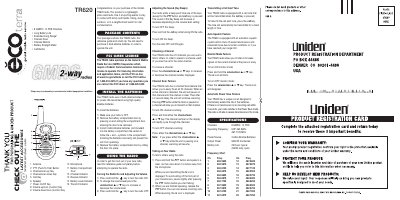
This document is the user reference guide for the Uniden TR620, a lightweight, palm-sized two-way radio. It provides instructions for installing batteries, turning the unit on and off, adjusting volume, selecting channels, and using features like channel scan and monitor mode. The guide also explains how to transmit calls and use the call alert tone.
| Channels | 8 GMRS / 14 FRS |
|---|---|
| Operating Frequency | UHF 462.5625-467.7125 MHz |
| Power Source | 3 AAA Alkaline Batteries |
| Output Power | 500mW |
| Battery Life | 25 Hours typical |
The radio uses 3 AAA alkaline batteries to operate.
Press and hold either the channel/scan L or M key to start scanning all 22 channels.
Press and hold the call key while turning the radio ON to disable the beep.