
This document provides instructions for using the Uniden FRS420 Family Radio, including battery installation and replacement, as well as the use of the optional NiMH battery pack. It also highlights the features of the product, such as its lightweight, palm-sized design and carabineer attachment.
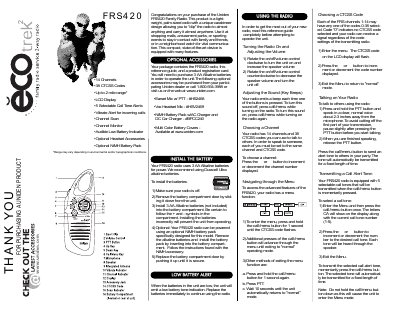
The Uniden FRS420 is a lightweight, palm-sized family radio designed with a unique carabiner design for easy portability. It operates using three AA alkaline batteries or an optional NiMH battery pack and includes features such as channel scanning and selectable call tones to keep users in contact at shopping malls, amusement parks, or sporting events.
The guide provides instructions on installing batteries, turning the unit on and off, adjusting volume, and navigating the menu system. It details how to select channels and CTCSS codes for private communication, configure vibrate alerts for incoming calls, and use the channel scan feature.
| Channels | 14 Channels |
|---|---|
| CTCSS Codes | 38 CTCSS Codes |
| Range | Up to 2 mile range* |
| Display Type | LCD Display |
The radio uses 3 AA Alkaline batteries for power, though an optional NiMH battery pack is available.
Press and hold the call/menu button while turning on the radio to disable the beep.
Press and hold either the up or down button until the SCAN icon appears on the display.