
This document describes the features and characteristics of the TRU9465 phone, including interface usage, installation setup, and phonebook settings.
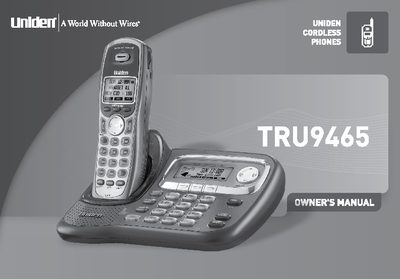
This document serves as the Owner's Manual for the Uniden TRU9465 cordless phone system. It covers the installation of the base and handsets, basic setup procedures including language selection and date/time configuration, and detailed instructions for using features such as Caller ID, Call Waiting, and the DirectLink feature. The guide also explains how to manage the phonebook, adjust volume settings, and utilize special functions like intercom and room monitoring.
| Frequency Band | 5.8GHz |
|---|---|
| Max Handsets | 10 |
| Phonebook Capacity | 100 Names per station |
| Speed Dial Locations | 10 |
| Redial Records | 3 |
| Menu Languages | English, Spanish, French |
| Ringer Options | 20 |
The system expands up to 10 handsets.
The menu displays are available in English, Spanish, and French.
Yes, you can store up to 2 numbers per name.