
Agilent VnmrJ 3 Quick Start Guide: Collecting A Spectrum Using The Quick Submit Panel

VnmrJ 3 is a software with a simple sample submission form feature. It allows users to collect spectrum data easily using the Quick Submit vertical panel. The software provides a straightforward workflow, making it suitable for novice users.
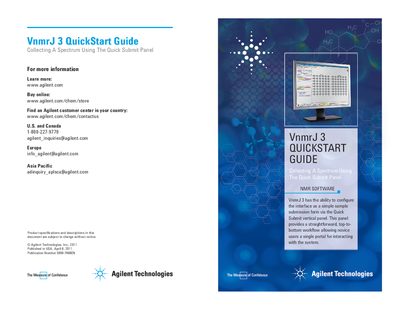

Agilent VnmrJ 3 Quick Start Guide: Collecting A Spectrum Using The Quick Submit Panel - cover page
Brand
Agilent
Category
Other Electronics
Document type
Quick Start Guide
Language
English
Pages
2
File format
PDF
File size
1.7 MB
Published
04 July, 2012
Updated
29 September, 2023
Model
VnmrJ 3
MD5 checksum
7B2B932EE51B482F0B80E389C80FF063

About this manual

Agilent VnmrJ 3 NMR software includes the Quick Submit vertical panel, which allows novice users to interact with the system via a straightforward, top-to-bottom workflow. This panel serves as a single portal for sample submission.

What's inside

  • Quick Submit Panel
  • Sample Submission
  • New Study
  • Experiment Selection
  • Queue Management
  • Data Storage
  • Spectrum Plotting

Frequently asked questions

What is the purpose of the Quick Submit vertical panel?

It provides a straightforward, top-to-bottom workflow allowing novice users a single portal for interacting with the system.

What happens to the raw data after an acquisition completes?

The raw data will be stored in a directory built on the templates found in user preferences.

Can the spectrum be emailed after it is plotted?

Yes, based on preferences, the spectrum can be plotted and/or stored with the raw data in various formats, and/or emailed to you.

Download PDF (1.7 MB)

More Agilent Manuals


View all Agilent manuals →