
This manual describes how to set up your new Uniden TCX930 accessory handset and charger.
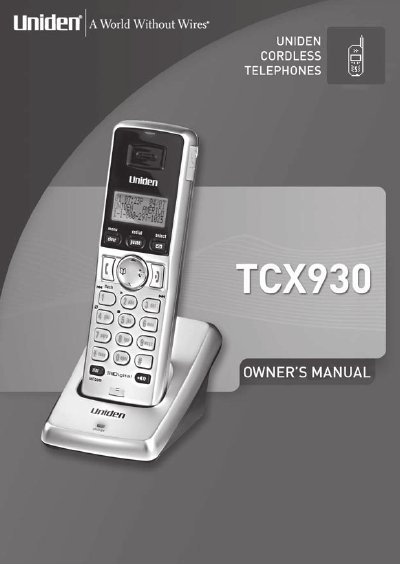
The Uniden TCX930 is a fully featured cordless accessory handset designed to work with Uniden's 5.8 GHz Digital Expandable phone system (TRU9300 series). Before use, the rechargeable NiMH battery pack must be installed and charged for at least 15-20 hours. The handset must also be registered to a compatible base unit via the main base or through a reset procedure if the original base is unavailable.
| Battery Type | Rechargeable NiMH Battery Pack, model # BT-1004 or BT-909 |
|---|---|
| Battery Capacity | 500 mAh, 3.6V or 600 mAh, 3.6V |
| AC Adapter Model | AD-0005 |
| Input Voltage | 120V AC 60 Hz |
| Output Voltage | 9V DC 210 mA |
You must charge the handset battery pack for at least 15-20 hours before using your new handset for the first time.
No, it is only compatible with Uniden's 5.8 GHz Digital Expandable phone system: the TRU9300 series.
Remove the handset from the base and try again.