
This manual describes how to set up your new Uniden TCX950 accessory handset and charging cradle.
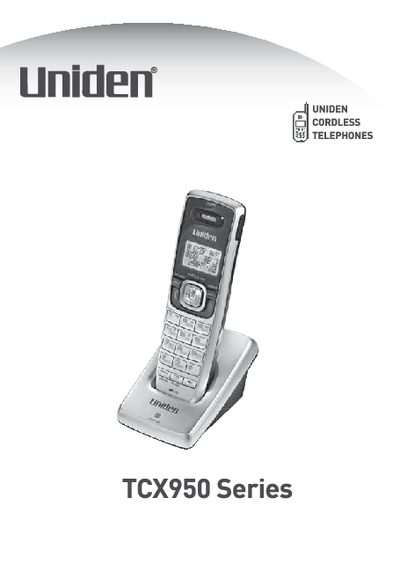
This manual provides instructions for the Uniden TCX950 Series accessory handset and charging cradle. It details how to install the rechargeable battery pack and optional belt clip, and explains the proper procedure for charging the handset using the included AC adapter. The document also covers the registration process required to pair the handset with a compatible Uniden TRU9500 series base.
| Battery Model | BT-446 |
|---|---|
| Battery Capacity | 800 mAh |
| AC Adapter Model | PS-0007 |
| AC Input | 120V AC, 60 Hz |
| AC Output | 9V DC, 210 mA |
| Compatible System | 5.8 GHz Digital Expandable phone system |
Charge your handset at least 15 to 20 hours before using your new handset for the first time.
Reseat the handset, check the AC adapter connection, and ensure the outlet is not controlled by a wall switch.
No, only one handset can be registered at a time.