
Torq MixLab is a professional DJ system developed by M-Audio, which allows computer-based musicians and DJs to mix and record their audio files. By connecting the X-Session Pro to a computer, users can DJ using their own collection of audio files and record the results onto CD or media players.
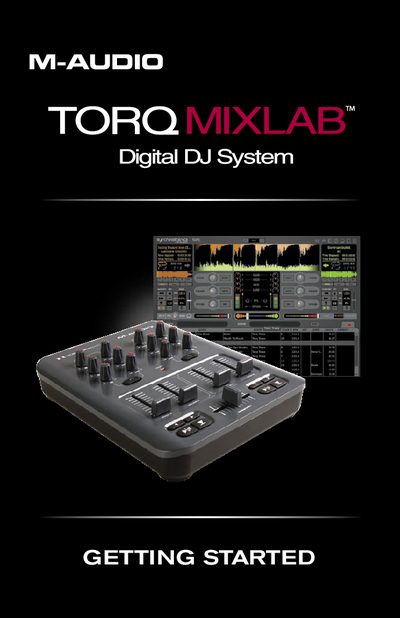
The document serves as a getting started guide for the M-Audio Torq MixLab digital DJ system. It details the initial setup process, including connecting the included USB cable between the X-Session Pro controller and a computer, and installing the accompanying software via CD or disc mount.
Once installed, the guide walks users through practical examples of using the Torq LE software with the hardware controller. Topics include configuring audio preferences for cueing and master output, loading music into decks, synchronizing tracks by speed (BPM), and performing crossfades to mix songs together smoothly.
Insert the Torq MixLab disc into your computer's CD-ROM drive; on Windows, installation starts automatically, while on Macintosh, double-click 'Install Torq'.
Click on the desired song title in the Browser pane, drag it up to the target Deck (e.g., Deck A), and release the mouse button.
Click the Sync button on the second deck (Deck B) while both are playing; this matches their BPM values and aligns them in time.