
Chapter 1 of the user guide introduces the overview of TORQ LE and the functions of various modules, including Decks, Main Waveform Display, Mixer, PFL/Headphone Cue, Browser/Database, Effect Racks, and Master Module.
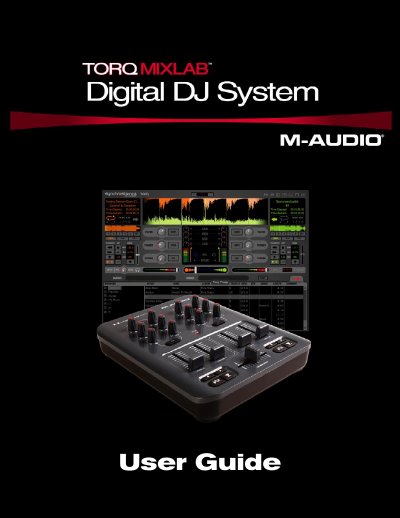
The M-Audio Torq LE is a full-featured DJ application designed for use with the M-Audio X-Session Pro controller on Windows XP or Mac OS X. It allows users to play digital music files, adjust speed and pitch, match tempos automatically, and apply effects like phaser, dual-filter, and strobe.
| Operating Systems (Minimum) | Windows XP (SP2) / Mac OS X 10.4.6 |
|---|---|
| CPU (Recommended Windows) | Pentium IV 2 GHz or greater |
| RAM (Minimum Windows) | 256 MB |
| Hard Drive Speed (Recommended) | 7200RPM or faster |
Torq LE includes three built-in effects specifically designed for DJ use: dual filter, phaser, and strobe.
No, but it is recommended. The software can be launched without it, though connecting the X-Session Pro allows for hands-on control over on-screen parameters.