
This is a user manual for Transit USB
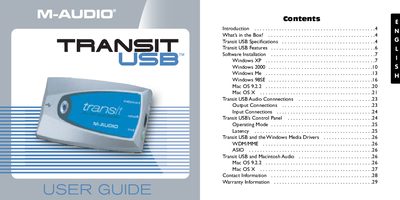
The M-Audio Transit USB is a compact, professional audio solution designed for Windows and Macintosh computers. It provides full 24-bit digital audio at sampling rates from 8 kHz to 96 kHz using a single USB connection, eliminating the need for bulky external power supplies. The device features both analog and optical digital connectors in a lightweight form factor.
| Sampling Frequencies | 8000, 9600, 11025, 12000, 16000, 22050, 24000, 32000, 44100, 48000, 88200, 96000 Hz |
|---|---|
| Bit Depth | 16 & 24-bit Linear PCM I/O |
| Audio Protocols | ASIO, WDM, MME, SoundManager, CoreAudio |
| Input Dynamic Range | 100 dB (typical) |
| Output Dynamic Range | 104 dB (typical) |
| Power Source | Completely USB powered |
No, the device is completely USB powered and does not need a power supply.
The device supports Windows XP, 2000, Me, 98SE, and Mac OS 9.2.2 or later.
Yes, the hybrid jack automatically detects whether the input is analog or optical digital.