
Panasonic SL-PG4 Compact Disc Player Operating Instructions

This document provides instructions for connecting, operating, and adjusting the SL-PG4 RQT5701-P compact disc player, as well as information on normal play, CD selection and care, and other play modes.
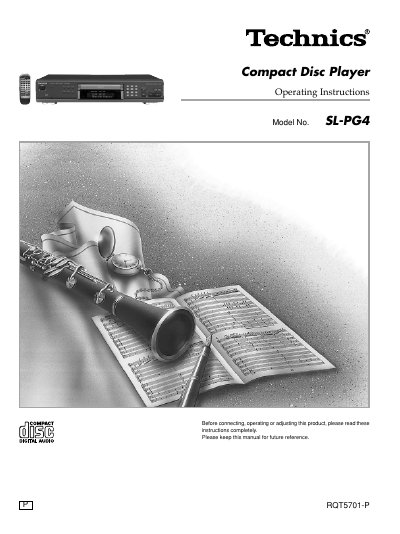

Panasonic SL-PG4 Compact Disc Player Operating Instructions - cover page
Brand
Technics
Category
Audio-Video Decoder
Document type
User Manual
Language
English
Pages
12
File format
PDF
File size
685 KB
Published
03 July, 2012
Updated
29 September, 2023
Model
SL-PG4
MD5 checksum
79E8CDC05C2F8CA57B9DEFBFBACD65F4

About this manual

This manual provides operating instructions for the Panasonic SL-PG4 compact disc player. It details how to connect the unit to audio systems and explains the functions of the front panel and remote control buttons.

What's inside

  • Connections
  • Control reference guide
  • Normal play
  • CD selection and care
  • Other play modes
  • Direct access play
  • Random play
  • Repeat
  • Program play
  • CD edit recording

Frequently asked questions

What type of discs can this player handle?

This unit plays standard Compact Discs as well as finalized CD-R and CD-RW audio discs.

How far away should the remote control be from the player?

The remote control functions effectively at a maximum range of 7 meters directly in front of the unit.

What happens if I press the play button instead of closing the tray?

If you press the play button while the tray is open, the tray will close and playback will start automatically.

Download PDF (685 KB)

More Technics Manuals


View all Technics manuals →