
This document introduces the operating instructions of Panasonic SH-PD10 player, including installation, connection and operation
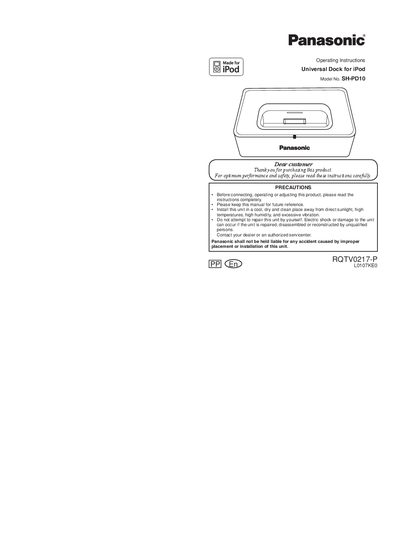
This manual provides operating instructions for the Panasonic SH-PD10 Universal Dock for iPod. The unit is designed to connect iPods to Panasonic DVD Home Theater Sound Systems or CD Stereo Systems, allowing for audio playback and charging. It supports various iPod models including the 5th generation, 4th generation, and nano series, provided the correct dock adapter is used.
| DC In | 5 V, 500 mA (MAX) |
|---|---|
| DC Out | 5 V, 500 mA (MAX) |
| Dimensions (W x H x D) | 110 x 27 x 67 mm |
| Cable length | approx. 1m |
| Mass | approx. 0.2 kg |
Ensure that the iPod is connected firmly to the universal dock and that the dock is connected firmly to the Panasonic DVD Home Theater Sound System or CD Stereo System.
Yes, the battery for the iPod will charge during playback or while the connected system is in standby mode.