
This document provides instructions for using the SC-RT50 model recordable DVD home theater system, including recording, playback, editing, copying, and convenient functions, as well as radio and sound settings. It also provides information on the region supported by the product.
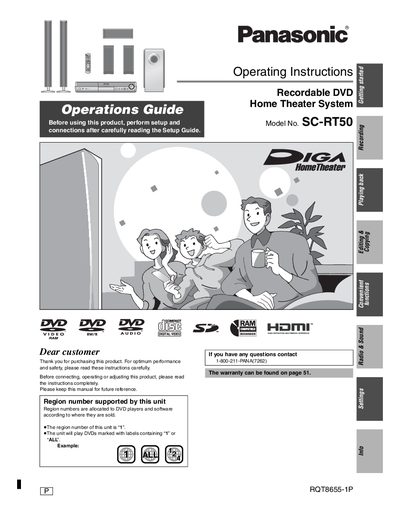
This document serves as the Operating Instructions for the Panasonic SC-RT50 Recordable DVD Home Theater System. It guides users through the initial setup and connection processes before utilizing the device's core functions. The manual emphasizes the importance of reading the accompanying Setup Guide first to ensure proper configuration. Key operational areas include playing back recordings, performing editing tasks, and copying content, alongside specific instructions for the region-coded DVD player functionality.
| Product Type | Recordable DVD Home Theater System |
|---|---|
| Model Number | SC-RT50 |
| Supported Region | Region 1 |
| Compatible Discs | DVDs marked with labels containing "1" or "ALL" |
This unit supports Region 1.
It will play DVDs marked with labels containing "1" or "ALL".
No, do not open covers or repair yourself; refer servicing to qualified personnel.