
This is an owner's manual for a DVD home theater sound system, model SC-XH50. The manual provides instructions for operating the product, safety tips, and warranty information.
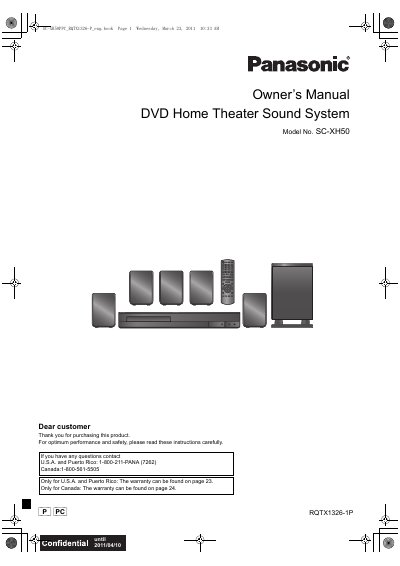
The Panasonic SC-XH50 is a DVD Home Theater Sound System that includes a main unit (SA-XH50), speaker systems (SB-HF70, SB-HC70, SB-HS70, SB-HW22), and accessories like a remote control. The manual guides users through connecting speakers, setting up the radio antenna, linking to TVs via VIERA Link or HDAVI Control, and operating various playback modes.
| Product Name | DVD Home Theater Sound System |
|---|---|
| Main Unit Model | SA-XH50 |
| Speaker Models | SB-HF70, SB-HC70, SB-HS70, SB-HW22 |
| Auto Power-Down Time | 30 minutes |
Press and hold the OPEN/CLOSE button on the main unit and the corresponding number button on the remote until the display shows 'REMOTE 2'.
The main unit will automatically switch to standby mode after 30 minutes of inactivity.
Yes, you can turn the TV on/off and adjust volume by aiming the remote at the Panasonic TV and pressing the TV buttons.