
HTC EVO V 4G user manual
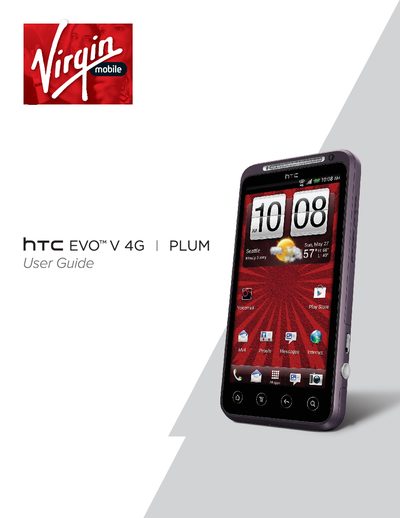
This document serves as the official user guide for the HTC EVO V 4G smartphone. It provides comprehensive instructions on setting up the device, including initial configuration, battery management, and power switching procedures. The guide details how to navigate the home screen, manage contacts, send text and multimedia messages, and make various types of phone calls.
The package includes the phone, a battery, a microSD card, a USB cable, a power adapter, a quick start guide, and safety/regulatory guides.
The manual provides a specific section dedicated to switching the power on or off, though exact button combinations are detailed within that chapter.
The guide explains how to enter and exit sleep mode, which affects screen behavior and notifications.