
This HTC EVO V 4G user manual introduces the use of the phone, including how to set up the phone, how to use basic functions, and how to personalize the phone.
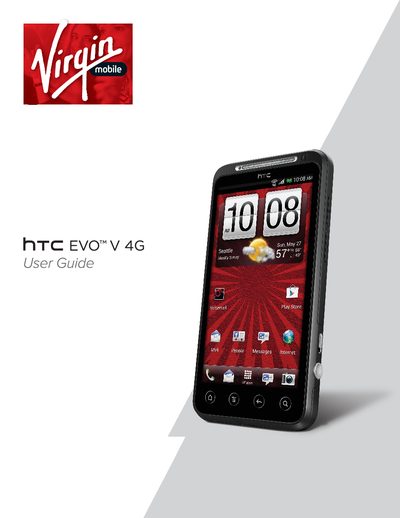
This document is the official user guide for the HTC EVO V 4G smartphone. It covers initial setup, hardware identification, and basic operations such as turning the device on and off, managing battery life, and using the touchscreen gestures. The guide details how to configure the device for the first time, including setting up accounts and connecting to a computer.
The box contains the phone, a battery, a microSD card, a USB cable, a power adapter, a quick start guide, and safety and regulatory guides.
Do not cover or block the proximity sensor, or you can purchase a dedicated screen protector that has a small opening for the sensor.
You can make an emergency call directly from the phone.