
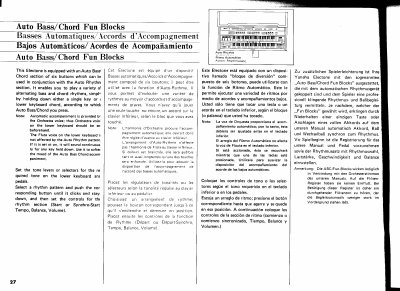
The Yamaha Electone features an Auto Bass/Chord section consisting of six buttons that work with the Auto Rhythm function. This feature allows users to play various alternating bass and chord rhythms simply by holding down a single key or a lower keyboard chord while pressing one of the Fun Blocks.
Automatic accompaniment is generated by the Orchestra voice, so this voice must be selected on the lower keyboard beforehand. The Flute voice on the lower keyboard remains unaffected by the Auto Rhythm pattern; if set to 'on', it will sound continuously for any key held down, which can be used to soften the mood of the accompaniment.
The Orchestra voice on the lower keyboard provides the automatic accompaniment and should be set beforehand.
No, the Flute voice on the lower keyboard is not affected by the Auto Rhythm pattern and will sound continuously if set to 'on'.
Pressing a black pedal changes the chord from major to minor, and releasing it returns the chord to major.