
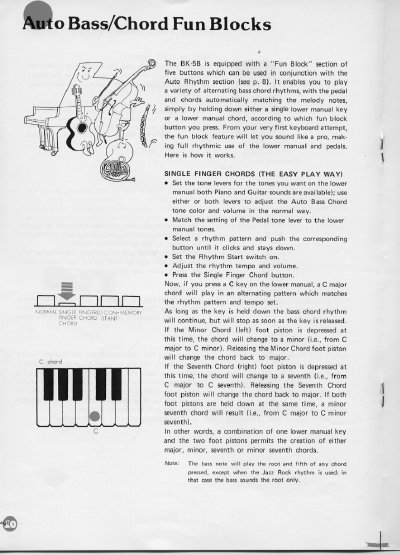
The Yamaha BK-5B Electone features a 'Fun Block' section with five buttons designed to work with the Auto Rhythm section. This feature allows users to play alternating bass chord rhythms by holding down a single lower manual key or a chord, with the pedal and chords automatically matching the melody notes. The system enables players to sound like a pro from their first attempt by making full rhythmic use of the lower manual and pedals.
| Number of Fun Block buttons | five |
|---|---|
| Compatible manuals | lower manual and pedals |
Press a key on the lower manual, such as C, and a C major chord will play in an alternating pattern matching the set rhythm and tempo.
Depress the Minor Chord foot piston while holding the key to change the chord from major to minor.
Holding both the Minor Chord and Seventh Chord foot pistons simultaneously results in a minor seventh chord.