
This manual provides detailed instructions on how to use the HL-800/1000 Series printer, including paper handling, control panel, options, and maintenance.
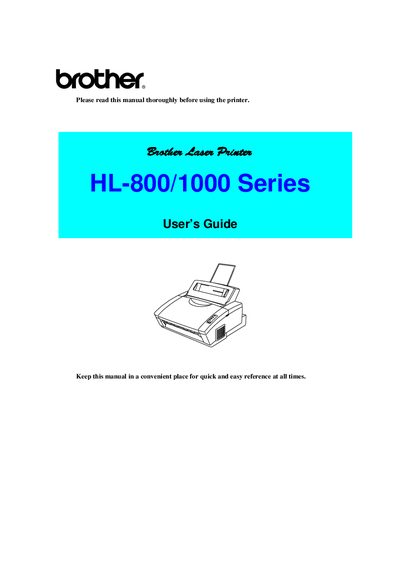
This manual serves as the User's Guide for the Brother HL-800/1000 Series laser printers. It provides instructions on how to use the printer, including system requirements, operating environment specifications, and paper handling procedures. The guide details the features of the control panel, including various lamps and switches, and explains how to utilize optional features like the serial interface board and additional memory.
| Product Type | Laser Printer |
|---|---|
| Series | HL-800/1000 Series |
Turn off the power switch and unplug the power cord from the power outlet.
The drum unit assembly including the toner cartridge must be removed and placed in the plastic bag.