
Yamaha DM1000 Editor Owner's Manual

DM1000 Editor is a proprietary software from Yamaha for editing DM1000 devices.
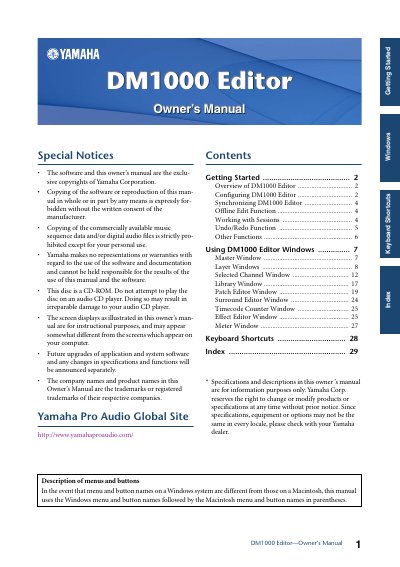

Yamaha DM1000 Editor Owner's Manual - cover page
Brand
Yamaha
Category
Other Electronics
Document type
User Manual
Language
English
Pages
30
File format
PDF
File size
884 KB
Published
12 June, 2012
Updated
30 September, 2023
Model
DM1000
MD5 checksum
4D48DE03141E1A4FF24B8861D81BC57B

About this manual

DM1000 Editor is software that enables users to remotely control the Yamaha DM1000 mixing console and save parameter settings on a computer. To use the software, users must first configure Studio Manager and then synchronize the Editor with the console. The manual details the initial setup, including specifying MIDI ports and selecting the correct Console Device ID.

What's inside

  • Overview of DM1000 Editor
  • Configuring DM1000 Editor
  • Synchronizing DM1000 Editor
  • Offline Edit Function
  • Working with Sessions
  • Undo/Redo Function
  • Master Window
  • Layer Windows
  • Selected Channel Window
  • Patch Editor Window

Frequently asked questions

What is the primary function of DM1000 Editor?

It enables you to remotely control the Yamaha DM1000 mixing console and save parameter settings on your computer.

How many DM1000 consoles can one instance of DM1000 Editor control?

One instance of DM1000 Editor can control up to eight DM1000 consoles, each with its own exclusive ID.

What happens if you save a Session in an Editor versus the Studio Manager window?

Saving in an Editor saves only that Editor's settings as either "YSE" or "D1X", while saving in the Studio Manager window saves all selected Editor settings with a "YSM" extension.

Download PDF (884 KB)

More Yamaha Manuals


View all Yamaha manuals →